One of The Best CCTV brands provider and Installer in Dammam KSA
+966 59 204 1946
No products in the cart.

The Top 10 Intrusion Detection Systems (IDS) in Saudi Arabia: In today’s hyper-connected digital landscape, cybersecurity is no longer optional—it’s essential. With cyber threats becoming more sophisticated and frequent, organizations must implement robust solutions to monitor, detect, and respond to suspicious activities. This is where Intrusion Detection Systems (IDS) play a vital role.
An IDS continuously monitors network or system traffic for signs of malicious activity or policy violations. Once an anomaly is detected, alerts are triggered to allow for quick response and remediation. Whether you’re a business, government agency, or enterprise-level corporation, an effective IDS can be the first line of defense against cyberattacks.
In this blog, we explore the top 10 intrusion detection systems of 2025, featuring both open-source and commercial solutions.
Type: Open-source, Network-based IDS
Developed by: Cisco Systems
Read Also: Benefits of Access Control Systems
Small to medium businesses and security professionals are looking for customizable, open-source solutions.
Type: Open-source, Network-based IDS/IPS/NSM
Developed by: Open Information Security Foundation (OISF)
Suricata is not just an IDS—it’s also an IPS (Intrusion Prevention System) and Network Security Monitoring tool. Highly scalable and extremely efficient.
Type: Open-source, Host-based IDS
Developed by: Atomicorp
Perfect for organizations running Linux, Unix, or Windows-based systems and requiring in-depth log analysis.
Type: Open-source, Network-based IDS
Developed by: Zeek Project
Academic institutions, research centers, and enterprises require custom behavior-based traffic analysis.
Type: Open-source Linux distro with IDS/IPS/NSM
Powered by: Zeek, Suricata, Snort, and others
Teams are looking for a centralized, visualized security solution with pre-configured tools.
Type: Commercial, Host and Network-based IDS
Developed by: SolarWinds
User-friendly dashboard, intuitive correlation rules, and great for mid-sized IT departments.
Type: Commercial SIEM with IDS/IPS Capabilities
Developed by: IBM
Large organizations are looking for a complete threat detection and response ecosystem.
Type: Commercial, Network-based IDS/IPS
Developed by: McAfee (a part of Trellix)
Businesses seeking real-time attack protection with integrated antivirus and malware response.
Type: Commercial, Network-based IDS/IPS
Platform: Built into Palo Alto Next-Gen Firewalls
Enterprises using Palo Alto’s NGFWs who want layered threat detection.
Type: Cloud-native, Host-based IDS/EDR
Developed by: CrowdStrike
Modern enterprises are seeking a cloud-delivered solution with AI-driven detection and response capabilities.
Choosing the right IDS depends on a few key factors:
| Criteria | Open Source Tools (e.g., Snort) | Commercial Tools (e.g., QRadar) |
|---|---|---|
| Budget | Free or low-cost | Licensing/subscription fees |
| Customization | High flexibility | Less customizable, but turnkey |
| Ease of Use | Requires technical knowledge | User-friendly GUI |
| Scalability | Depends on deployment | Enterprise-grade scalability |
| Support and Updates | Community-driven | Dedicated vendor support |
If you’re a startup or SMB, consider starting with Snort, OSSEC, or Security Onion. For larger enterprises, commercial solutions like IBM QRadar or CrowdStrike offer enterprise-grade features with excellent support.
Here’s what’s trending in intrusion detection technology this year:
With rising cyber threats and increased regulatory pressure, implementing a reliable IDS is crucial for any business. Whether you’re securing an on-premises server farm, a hybrid cloud, or remote workforce endpoints, the solutions listed above offer robust capabilities to protect your digital environment.
At AskA Solution, we help businesses in Saudi Arabia and the Gulf region choose, configure, and manage cybersecurity tools like IDS, SIEM, and firewalls. Our experts are ready to help you build a defense strategy tailored to your needs.
Don’t forget to share it
Related Articles
One of The Best CCTV brands provider and Installer in Dammam KSA
The Best Industrial Steel Security Doors in Saudi Arabia
The Best Parking Management System in Dammam KSA
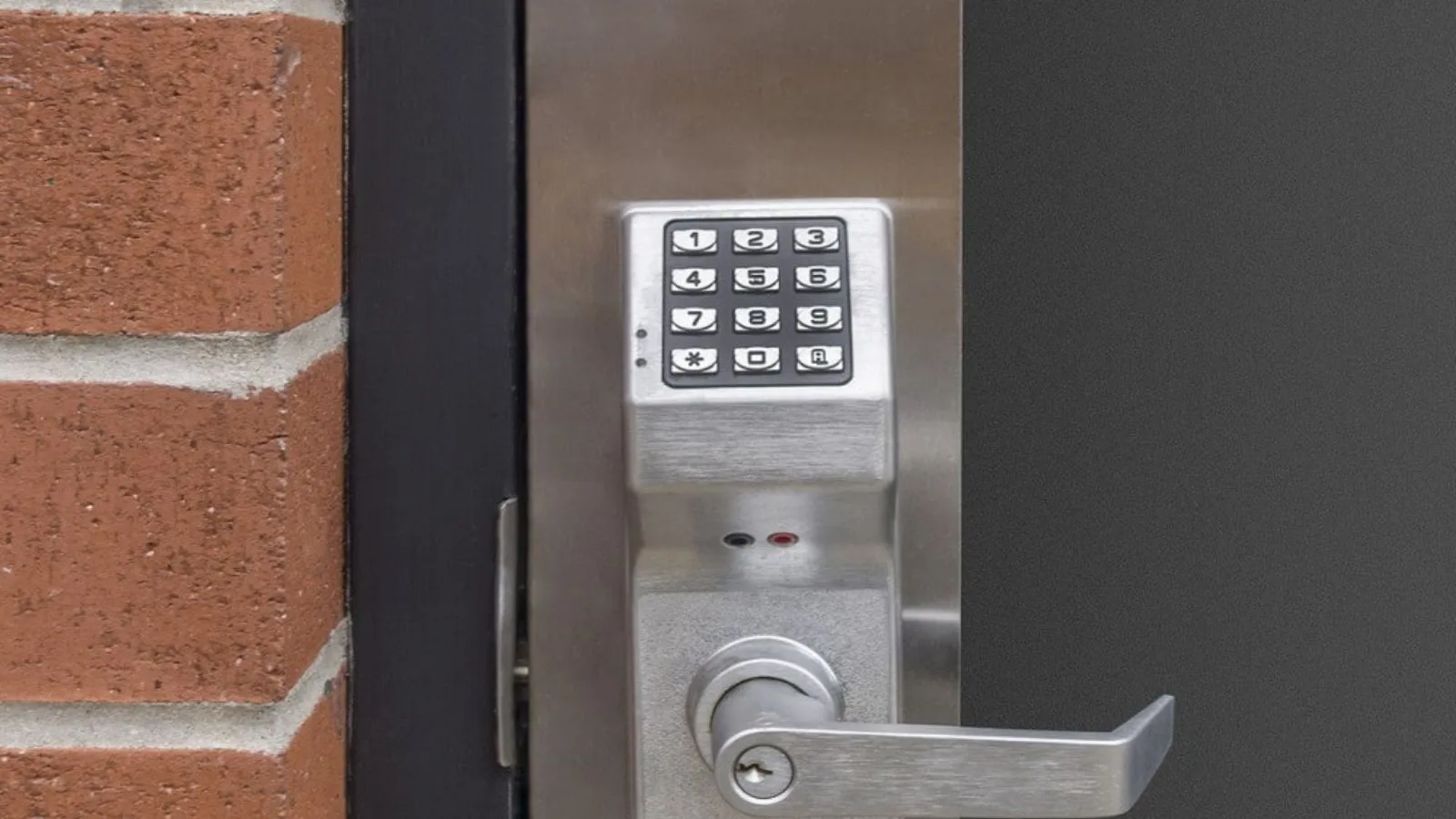
The Best Industrial Electric Security Door lock provide in KSA
Premium Industrial Security Door Locks provider in KSA
The Best High Security Door Locks in Dammam KSA
AskA Solution
We firmly believe that the internet should be available and accessible to anyone, and are committed to providing a website that is accessible to the widest possible audience, regardless of circumstance and ability.
To fulfill this, we aim to adhere as strictly as possible to the World Wide Web Consortium’s (W3C) Web Content Accessibility Guidelines 2.1 (WCAG 2.1) at the AA level. These guidelines explain how to make web content accessible to people with a wide array of disabilities. Complying with those guidelines helps us ensure that the website is accessible to all people: blind people, people with motor impairments, visual impairment, cognitive disabilities, and more.
This website utilizes various technologies that are meant to make it as accessible as possible at all times. We utilize an accessibility interface that allows persons with specific disabilities to adjust the website’s UI (user interface) and design it to their personal needs.
Additionally, the website utilizes an AI-based application that runs in the background and optimizes its accessibility level constantly. This application remediates the website’s HTML, adapts Its functionality and behavior for screen-readers used by the blind users, and for keyboard functions used by individuals with motor impairments.
If you’ve found a malfunction or have ideas for improvement, we’ll be happy to hear from you. You can reach out to the website’s operators by using the following email
Our website implements the ARIA attributes (Accessible Rich Internet Applications) technique, alongside various different behavioral changes, to ensure blind users visiting with screen-readers are able to read, comprehend, and enjoy the website’s functions. As soon as a user with a screen-reader enters your site, they immediately receive a prompt to enter the Screen-Reader Profile so they can browse and operate your site effectively. Here’s how our website covers some of the most important screen-reader requirements, alongside console screenshots of code examples:
Screen-reader optimization: we run a background process that learns the website’s components from top to bottom, to ensure ongoing compliance even when updating the website. In this process, we provide screen-readers with meaningful data using the ARIA set of attributes. For example, we provide accurate form labels; descriptions for actionable icons (social media icons, search icons, cart icons, etc.); validation guidance for form inputs; element roles such as buttons, menus, modal dialogues (popups), and others. Additionally, the background process scans all the website’s images and provides an accurate and meaningful image-object-recognition-based description as an ALT (alternate text) tag for images that are not described. It will also extract texts that are embedded within the image, using an OCR (optical character recognition) technology. To turn on screen-reader adjustments at any time, users need only to press the Alt+1 keyboard combination. Screen-reader users also get automatic announcements to turn the Screen-reader mode on as soon as they enter the website.
These adjustments are compatible with all popular screen readers, including JAWS and NVDA.
Keyboard navigation optimization: The background process also adjusts the website’s HTML, and adds various behaviors using JavaScript code to make the website operable by the keyboard. This includes the ability to navigate the website using the Tab and Shift+Tab keys, operate dropdowns with the arrow keys, close them with Esc, trigger buttons and links using the Enter key, navigate between radio and checkbox elements using the arrow keys, and fill them in with the Spacebar or Enter key.Additionally, keyboard users will find quick-navigation and content-skip menus, available at any time by clicking Alt+1, or as the first elements of the site while navigating with the keyboard. The background process also handles triggered popups by moving the keyboard focus towards them as soon as they appear, and not allow the focus drift outside it.
Users can also use shortcuts such as “M” (menus), “H” (headings), “F” (forms), “B” (buttons), and “G” (graphics) to jump to specific elements.
We aim to support the widest array of browsers and assistive technologies as possible, so our users can choose the best fitting tools for them, with as few limitations as possible. Therefore, we have worked very hard to be able to support all major systems that comprise over 95% of the user market share including Google Chrome, Mozilla Firefox, Apple Safari, Opera and Microsoft Edge, JAWS and NVDA (screen readers).
Despite our very best efforts to allow anybody to adjust the website to their needs. There may still be pages or sections that are not fully accessible, are in the process of becoming accessible, or are lacking an adequate technological solution to make them accessible. Still, we are continually improving our accessibility, adding, updating and improving its options and features, and developing and adopting new technologies. All this is meant to reach the optimal level of accessibility, following technological advancements. For any assistance, please reach out to
